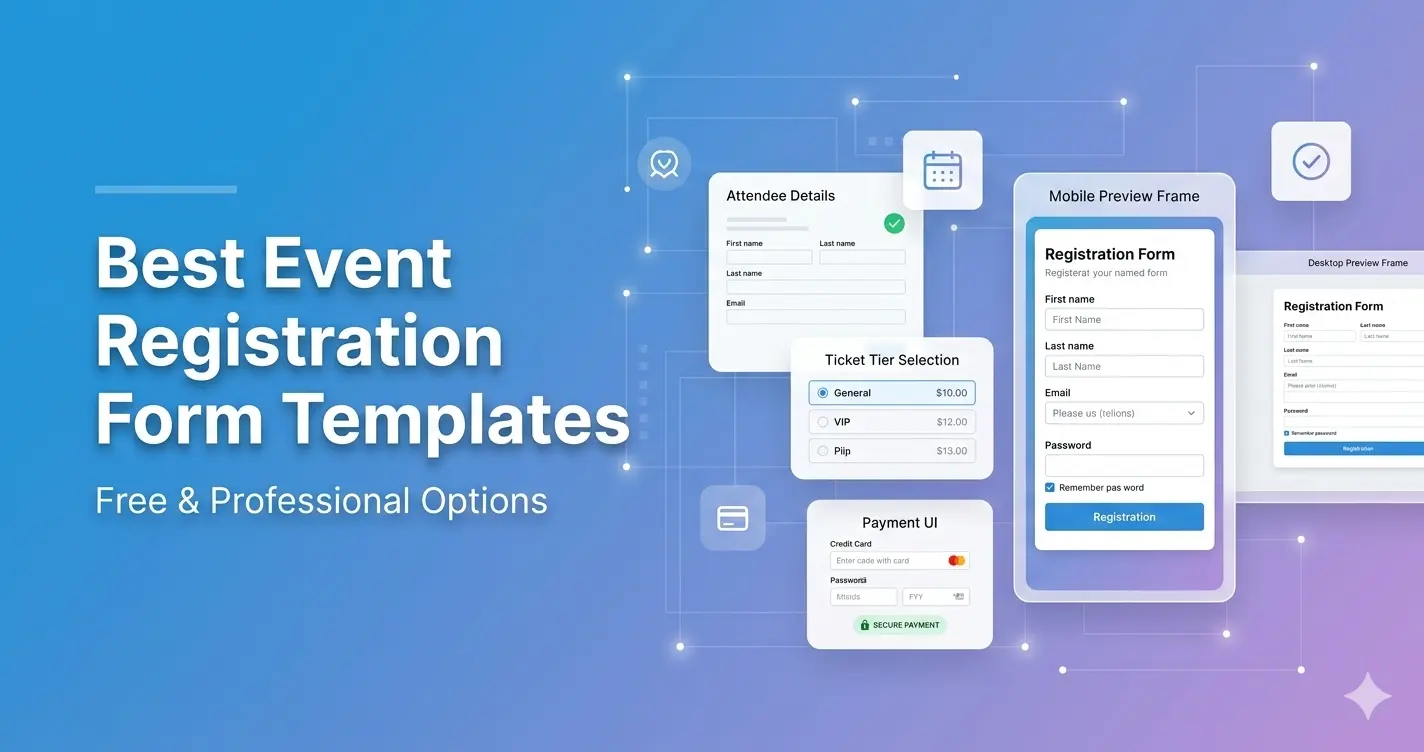
Best Event Registration Form Templates (Free & Professional Options)
Creating an event registration form from scratch can be time-consuming and error-prone.
That’s why event registration form templates are one of the most effective ways to launch your event quickly while maintaining a professional appearance.
Whether you're hosting a conference, webinar, workshop, fundraiser, or networking event, the right template simplifies setup, improves conversions, and ensures smooth attendee management.
In this guide, we’ll explore the best event registration form templates for different event types — and how to choose the right one.
Why Use an Event Registration Form Template?
Templates eliminate guesswork and reduce mistakes.
Instead of building a registration form from scratch, templates provide:
- Pre-structured question flow
- Logical ticket selection layout
- Mobile optimization
- Built-in payment support
- Automated confirmation setup
- Data export capability
Using a professional template increases registration rates and reduces setup time.
1. Conference Registration Form Template
Best for:
- Multi-day conferences
- Large corporate events
- Industry summits
Key features:
- Multiple ticket tiers (Standard, VIP, Early Bird)
- Workshop or breakout session selection
- Company and job title fields
- Networking preferences
- Payment processing integration
- Capacity limits per session
Conference templates are ideal when managing hundreds or thousands of attendees.
Explore: https://pollarity.io/templates/event-registration-forms
2. Webinar Registration Form Template
Best for:
- Online events
- Virtual training sessions
- Live product demos
Key features:
- Name and email collection
- Automatic calendar (.ics) file attachment
- Reminder email scheduling
- Webinar link automation
- Optional marketing consent field
Webinar templates prioritize simplicity and speed.
For simpler confirmation-based events: https://pollarity.io/templates/rsvp-event-forms
3. Workshop Registration Template
Best for:
- In-person workshops
- Skill-based training sessions
- Limited seating events
Key features:
- Seat availability tracking
- Session selection
- Equipment requirements field
- Dietary restrictions (if meals included)
- Waiting list option
Workshop templates must balance simplicity with logistical detail.
4. Paid Event Registration Template
Best for:
- Ticketed events
- Fundraisers
- Premium seminars
- Concerts and entertainment events
Key features:
- Secure payment integration
- Tiered ticket pricing
- Promo code support
- Instant payment confirmation
- Receipt automation
Payment clarity and trust are critical for paid event templates.
5. Networking Event Template
Best for:
- Business mixers
- Startup events
- Industry meetups
Key features:
- Job title field
- Company name
- Industry selection
- LinkedIn profile (optional)
- Networking interest areas
These templates help improve post-event segmentation and follow-ups.
Free vs Professional Templates
Free Event Registration Templates
Pros:
- Quick setup
- Simple layouts
- Suitable for small events
Cons:
- Limited customization
- Basic analytics
- Minimal automation
Professional Event Registration Templates
Pros:
- Advanced conditional logic
- Payment processing
- Capacity tracking
- Data export
- Custom branding
- Built-in analytics
Cons:
- May require subscription
For larger or revenue-generating events, professional templates provide significantly better control and data management.
How to Choose the Right Template
Ask yourself:
- Is this event paid?
- Do I need multiple ticket types?
- Will attendees choose sessions?
- Is capacity limited?
- Do I need automated reminders?
If you answered yes to two or more, choose a professional event registration form template.
Template Best Practices
Even with a template, you should:
- Limit required fields
- Keep pricing transparent
- Optimize for mobile
- Test payment processing
- Send confirmation emails instantly
Templates simplify structure, but optimization increases conversions.
Common Mistakes When Using Templates
- Adding too many required questions
- Hiding ticket pricing
- Forgetting to test automation
- Ignoring mobile responsiveness
- Not customizing branding
Templates should enhance clarity — not complicate it.
Related Reading
- The Complete Guide to Event Registration Forms
- How to Create an Online Event Registration Form
- 15 Event Registration Form Questions to Include
- How to Increase Event Registrations
FAQ
Are event registration form templates customizable?
Yes, most professional templates allow customization of branding, fields, ticket types, and payment options.
Can I use templates for paid events?
Yes. Paid event templates include secure payment integration and automated confirmations.
Do templates improve conversion rates?
Well-structured templates reduce friction and improve clarity, which typically increases completion rates.
Final Thoughts
Using an event registration form template is one of the fastest and safest ways to launch your event registration process.
Templates save time, reduce errors, and ensure a professional attendee experience.
If you're ready to simplify setup and increase signups, explore structured event registration form templates designed for performance and scalability.