How to Create an Online Event Registration Form (Step-by-Step Guide)
Creating an online event registration form allows you to collect attendee information, manage ticket sales, automate confirmations, and streamline event planning.
Whether you're organizing a conference, webinar, workshop, fundraiser, or networking event, a well-designed event registration form improves organization and increases event registrations.
In this step-by-step guide, you’ll learn exactly how to create a professional event registration form that is secure, mobile-friendly, and optimized for conversions.
Step 1: Define Your Event Structure
Before building your registration form, clarify the structure of your event.
Ask yourself:
- What is the event date and time?
- Is the event online or in-person?
- Are there multiple ticket tiers?
- Is capacity limited?
- Will payment be required?
Defining these elements first ensures your online event registration form includes only relevant fields and avoids unnecessary complexity.
Step 2: Add Essential Attendee Information Fields
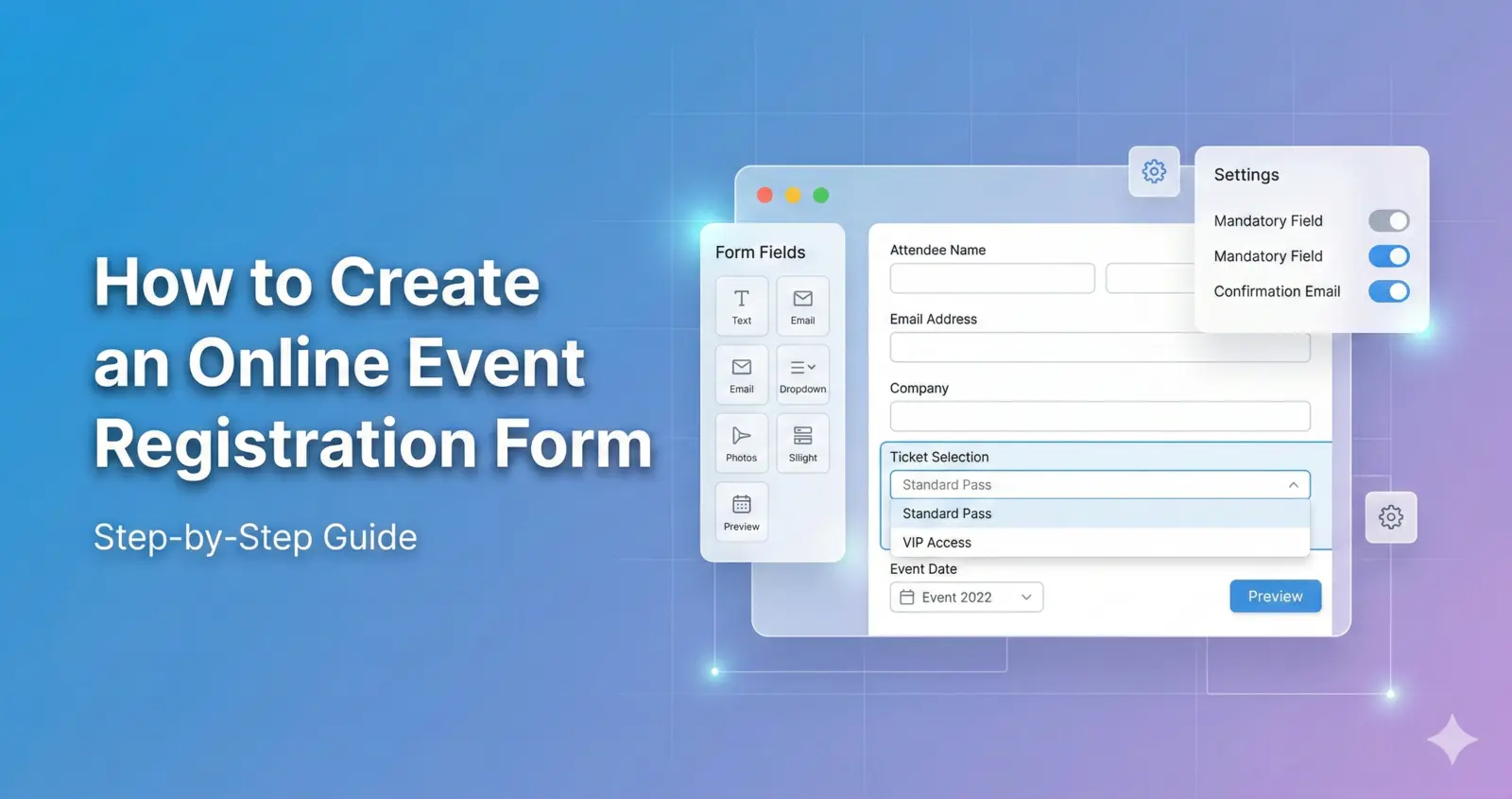
Every event registration form should begin with core attendee information.
Include:
- Full Name
- Email Address
- Phone Number
Keep required fields to a minimum. Reducing friction increases completion rates and improves user experience.
If your event is professional or corporate, you may also include:
- Company Name
- Job Title
Only add these fields if they provide meaningful value.
Step 3: Add Ticket Selection Options
If your event includes multiple pricing tiers, add a clear ticket selection section.
Examples:
- Early Bird Ticket
- Standard Admission
- VIP Access
- Group Ticket
Use radio buttons or dropdown menus to make selection simple.
Clearly display pricing next to each option to avoid confusion.
Transparent pricing improves trust and reduces abandonment.
Step 4: Integrate Secure Payment Processing
For paid events, your event registration form must support secure payment processing.
Ensure:
- SSL encryption is enabled
- Payment options are clearly displayed
- Confirmation emails are automated
- Receipts are sent instantly
A secure and seamless payment experience increases conversion rates and reduces drop-offs.
Step 5: Use Conditional Logic to Simplify the Form
Conditional logic allows you to display fields only when necessary.
For example:
- Show dietary requirements only if meals are included
- Display workshop options only if a conference ticket is selected
- Show company fields only for business ticket types
Conditional logic keeps your registration form concise while still collecting detailed information.
Step 6: Optimize for Mobile Devices
More than half of users register for events on mobile devices.
Your online event registration form should:
- Load quickly
- Use large tap-friendly buttons
- Avoid long paragraphs
- Use simple layouts
- Minimize scrolling
Mobile optimization is one of the most important factors in increasing event registrations.
Step 7: Automate Confirmations and Reminders
Once a user submits your registration form, automation should begin immediately.
Best practices include:
- Sending instant confirmation emails
- Providing calendar (.ics) attachments
- Scheduling reminder emails 24–48 hours before the event
- Sending event access details for virtual events
Automation reduces no-shows and improves attendee experience.
Step 8: Test Your Registration Form Before Launch
Before publishing your event registration page:
- Submit test registrations
- Confirm ticket pricing works correctly
- Verify payment processing
- Check confirmation emails
- Test mobile responsiveness
- Ensure exported data is accurate
Testing prevents costly mistakes and ensures a smooth attendee experience.
Common Mistakes to Avoid
Many event organizers reduce conversions by making simple errors.
Avoid:
- Too many required fields
- Confusing ticket categories
- Hidden pricing
- Poor mobile layout
- Lack of payment security
- No confirmation automation
Keeping your event registration form simple and structured improves performance dramatically.
How Long Should an Event Registration Form Be?
The ideal event registration form has fewer than 10 required fields.
Additional fields can be optional.
The goal is to collect useful data without overwhelming users.
Shorter forms generally produce higher completion rates.
Should You Use a Template?
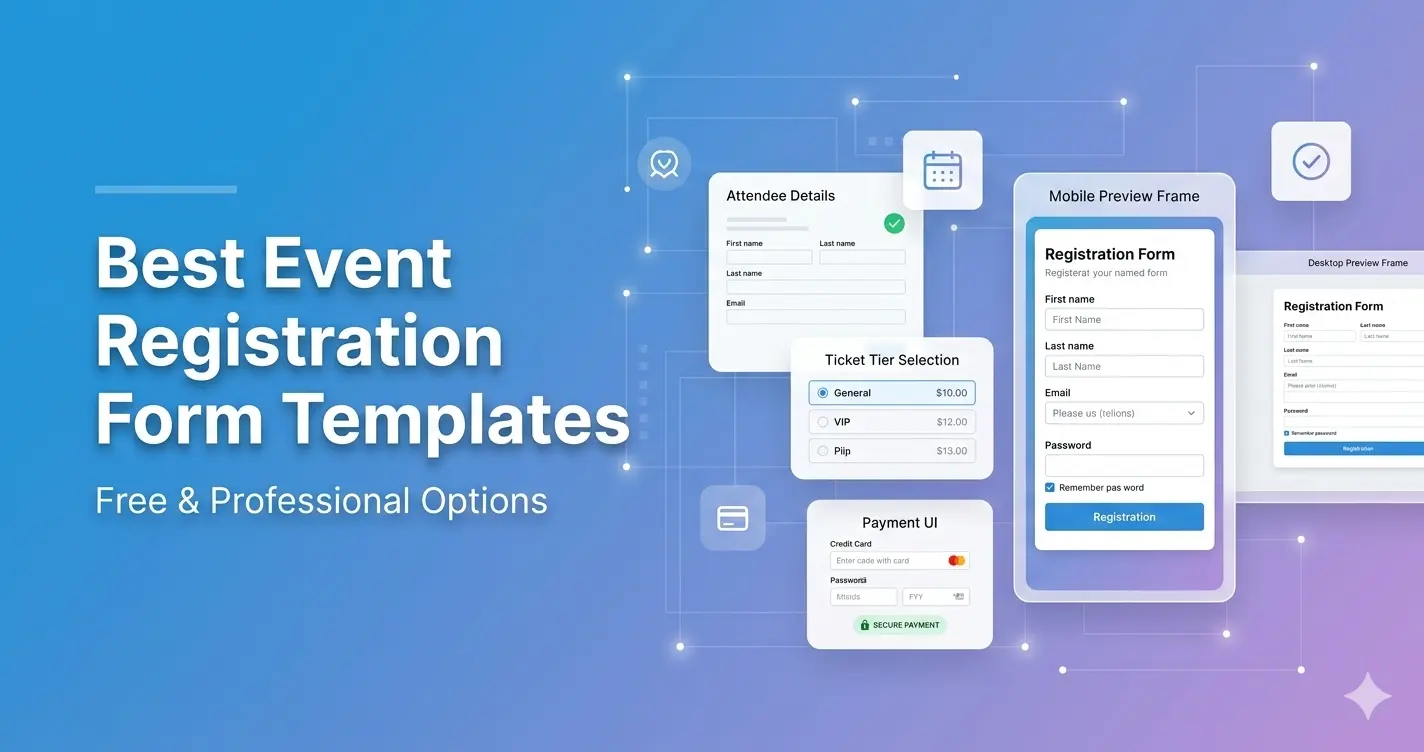
Using an event registration form template speeds up setup and ensures professional structure.
Templates provide:
- Clean design
- Logical field order
- Built-in mobile optimization
- Secure payment support
- Data export functionality
- Analytics integration
Explore ready-to-use templates: https://pollarity.io/templates/event-registration-forms
If your event only requires simple attendance confirmation: https://pollarity.io/templates/rsvp-event-forms
How to Improve Conversion Rates
Once your registration form is live, you can further increase performance by:
- Adding urgency (early bird pricing)
- Displaying limited seats remaining
- Including testimonials
- Using clear CTAs like “Register Now”
- Reducing unnecessary required fields
Small optimizations can significantly increase event signups.
FAQ
What is an online event registration form?
An online event registration form is a digital form used to collect attendee information, manage tickets, and process payments before an event.
Can I create an event registration form for free?
Yes, many platforms offer free templates, especially for simple or small events.
How many fields should my registration form include?
Aim for fewer than 10 required fields to improve completion rates.
Do I need payment integration for free events?
No, payment processing is only necessary for paid events.
Final Thoughts
Creating a professional online event registration form does not need to be complicated.
Focus on clarity, mobile optimization, secure payment processing (if required), and automation.
A well-designed event registration form increases signups, improves attendee experience, and simplifies event management.
If you’re ready to build your form quickly and professionally, start with a structured template designed for high performance.