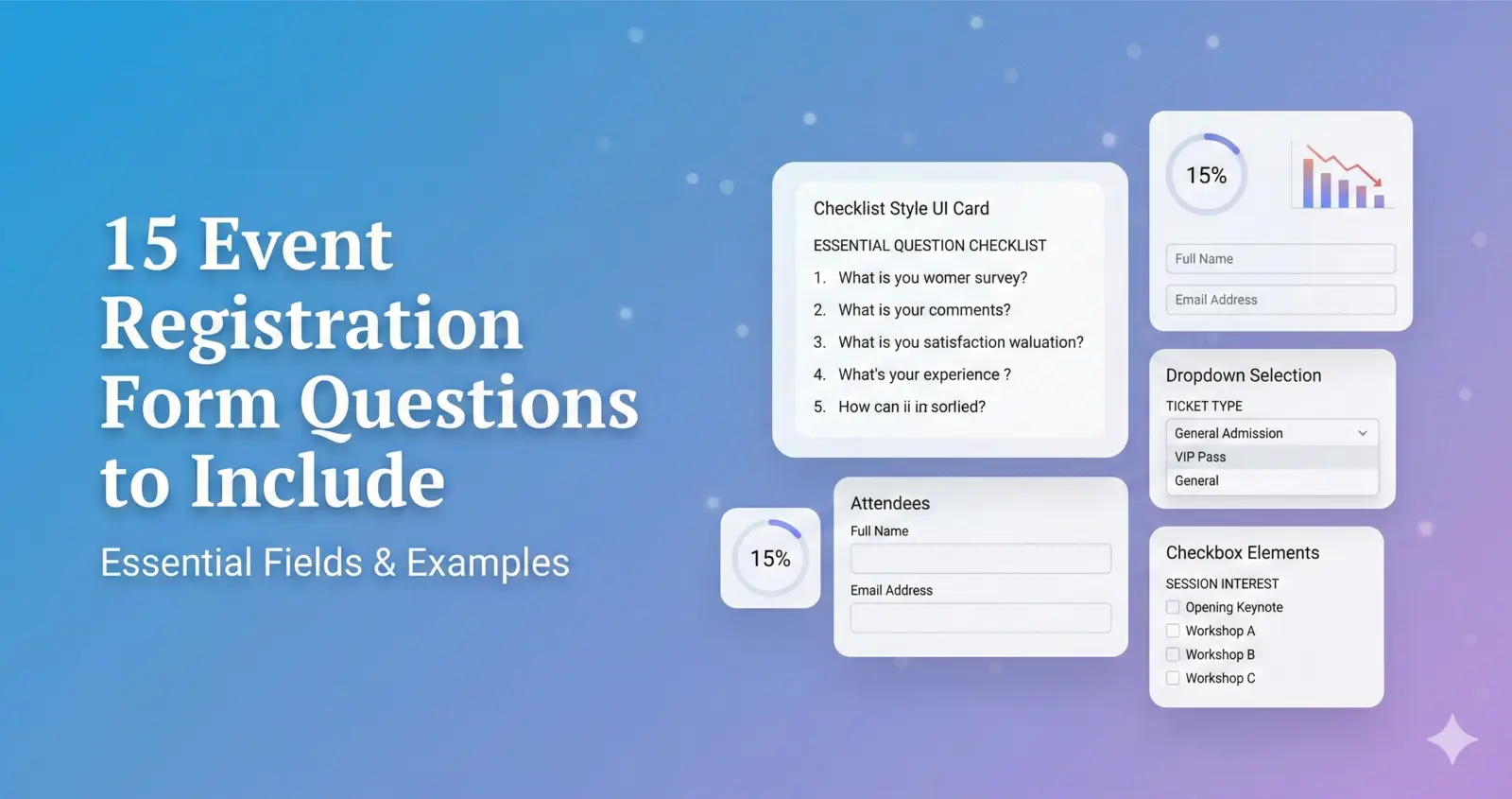
15 Event Registration Form Questions to Include (With Examples)
A well-designed event registration form collects the right information without overwhelming attendees.
Ask too few questions and you risk poor planning. Ask too many and you reduce completion rates.
In this guide, you’ll discover 15 essential event registration form questions that help you:
- Collect accurate attendee data
- Manage ticket sales effectively
- Improve event organization
- Increase completion rates
Let’s break them down.
Basic Attendee Information Questions
These are the foundation of every event registration form.
1. Full Name
Collecting the attendee’s full name ensures accurate check-in and communication.
Keep this field required.
2. Email Address
Email is critical for:
- Confirmation messages
- Reminder emails
- Event updates
- Post-event follow-ups
Always validate email formatting.
3. Phone Number
Phone numbers are useful for:
- Last-minute event updates
- Emergency communication
- SMS reminders
Make this required only if necessary.
Ticket & Pricing Questions
If your event is ticketed, these questions are essential.
4. Which Ticket Type Are You Selecting?
Examples:
- Early Bird
- Standard
- VIP
- Student
- Group
Use radio buttons or dropdown menus for clarity.
5. How Many Tickets Do You Need?
For events allowing group purchases, this simplifies bulk registration.
If capacity is limited, enforce maximum limits automatically.
6. Discount Code (Optional)
Allow users to enter promo or early bird codes.
Ensure pricing updates automatically to avoid confusion.
Event-Specific Information Questions
These help you personalize and organize your event.
7. Company Name
Useful for corporate or professional events.
Optional for informal events.
8. Job Title or Role
Helps segment attendees for networking or post-event marketing.
9. Dietary Restrictions
Important for catered events.
Use checkboxes such as:
- Vegetarian
- Vegan
- Gluten-Free
- Other
10. Accessibility Requirements
Ensuring accessibility improves inclusivity and compliance.
Examples:
- Wheelchair access
- Hearing assistance
- Visual support
Session & Engagement Questions
For conferences and workshops.
11. Which Sessions Will You Attend?
Allow attendees to select:
- Breakout sessions
- Workshops
- Networking sessions
Conditional logic can show options based on ticket type.
12. Would You Like to Receive Event Updates?
This supports compliance and marketing permissions.
Always include opt-in consent if required by local regulations.
Marketing & Feedback Questions
These improve future event performance.
13. How Did You Hear About This Event?
Options might include:
- Social Media
- Paid Ads
- Referral
- Website
This helps measure marketing channel effectiveness.
14. Have You Attended Before?
Understanding returning attendees helps segment communication.
15. What Are You Hoping to Gain From This Event?
Open-text responses provide valuable insight into attendee expectations.
Keep this optional to reduce friction.
How Many Questions Should an Event Registration Form Have?
The ideal event registration form has fewer than 10 required fields.
Additional questions should be optional.
Shorter forms generally result in higher completion rates.
The goal is to collect actionable data — not unnecessary information.
Best Practices for Structuring Questions
To improve completion rates:
- Group similar questions together
- Use clear labels
- Avoid long paragraphs
- Use dropdowns for long lists
- Apply conditional logic where possible
- Clearly mark required fields
Structure improves usability and reduces abandonment.
Should You Use a Template?
Using a professional event registration form template ensures:
- Logical question flow
- Mobile optimization
- Secure payment integration
- Data export options
- Built-in analytics
Explore ready-to-use templates: https://pollarity.io/templates/event-registration-forms
For simpler confirmation-based events: https://pollarity.io/templates/rsvp-event-forms
Common Mistakes to Avoid
- Asking too many required questions
- Hiding ticket pricing
- Forgetting mobile optimization
- Skipping confirmation emails
- Not testing conditional logic
Avoiding these mistakes increases event registrations significantly.
FAQ
How many questions should an event registration form include?
Ideally, fewer than 10 required questions. Additional questions can be optional.
What are the most important registration form questions?
Full name, email address, ticket type, and payment details (for paid events).
Should I include marketing questions?
Yes, but keep them optional to avoid lowering completion rates.
Final Thoughts
The right event registration form questions improve organization, increase attendance rates, and enhance the attendee experience.
Focus on clarity, relevance, and simplicity.
If you want a structured and optimized setup, start with a professional event registration form template designed for conversions.