How to Analyze Customer Satisfaction Survey Results
Collecting survey responses is only the first step. The real value comes from analyzing your customer satisfaction survey results correctly.
In this guide, you'll learn how to:
- Calculate CSAT
- Segment your data
- Identify recurring issues
- Track trends over time
- Turn insights into action
Step 1: Calculate Your CSAT Score
Formula:
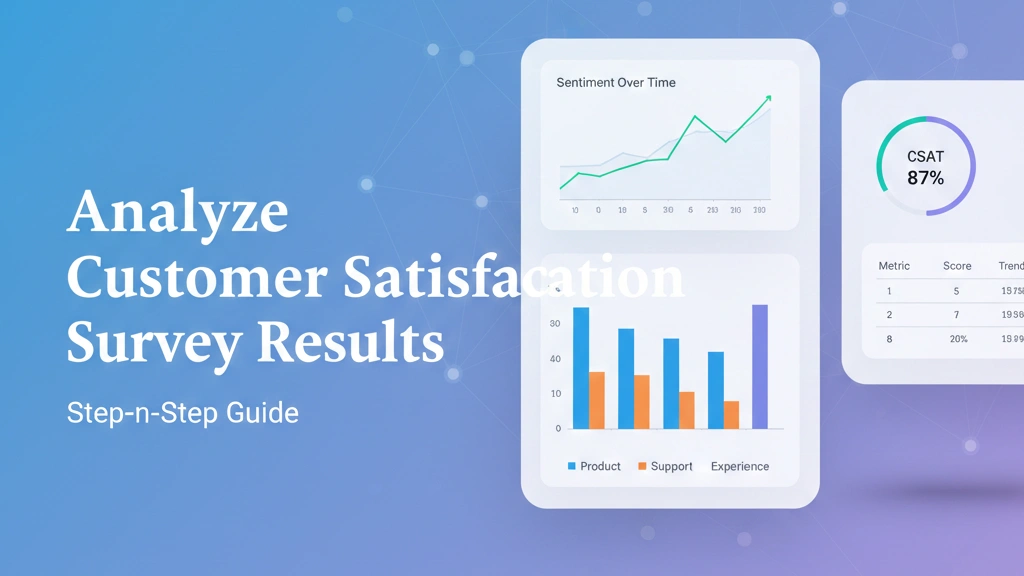
(Number of satisfied responses ÷ Total responses) × 100
Example: If 80 out of 100 customers selected "Satisfied" or "Very Satisfied":
CSAT = 80%
Track this monthly to identify patterns.
Step 2: Segment Your Results
Break results down by:
- Customer type
- Subscription plan
- Region
- Touchpoint (support, onboarding, checkout)
Segmentation helps uncover hidden issues.
Step 3: Analyze Open-Ended Feedback
Open-ended responses often reveal:
- Feature gaps
- Pricing confusion
- UX friction
- Support delays
Tag similar responses into themes.
Step 4: Track Trends Over Time
Compare:
- Month-over-month scores
- Pre vs post feature releases
- Before and after support improvements
Trends matter more than single data points.
Step 5: Turn Insights into Action
Identify:
- Top 3 improvement areas
- Quick wins
- Long-term roadmap items
Advanced reporting tools make this easier: https://pollarity.io/features/advanced-analysis
For structured survey templates: https://pollarity.io/templates/customer-satisfaction-surveys