The Complete Guide to Event Registration Forms (With Templates & Examples)
Event registration forms are the foundation of successful event management.
Whether you're organizing a conference, webinar, workshop, fundraiser, networking event, or corporate training session, a well-designed event registration form allows you to collect attendee information, manage ticket sales, process payments, and increase event signups efficiently.
Choosing the right registration structure directly impacts attendance rates, operational efficiency, and overall event success.
In this complete guide, you’ll learn:
- What an event registration form is
- How it differs from RSVP forms
- What questions to include
- How to increase event registrations
- How to use event registration templates effectively
- Best practices for managing attendee data
What Is an Event Registration Form?
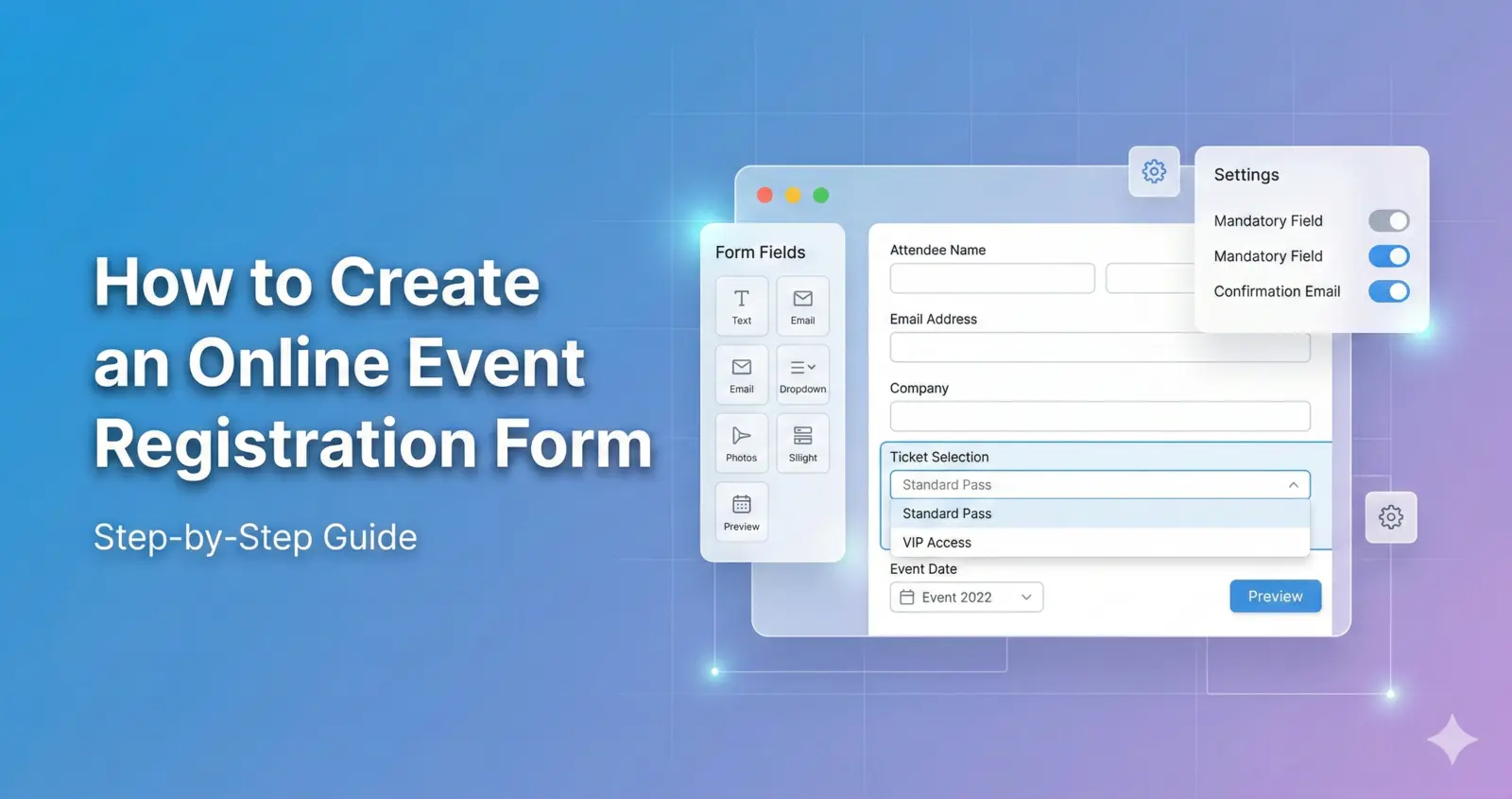
An event registration form is an online form used to collect structured attendee information before an event takes place.
Unlike simple RSVP confirmations, registration forms gather detailed information and often include ticket selection and payment processing.
A typical event registration form collects:
- Full Name
- Email Address
- Phone Number
- Ticket Type
- Company Information (for business events)
- Special Requirements
- Payment Details (for paid events)
Using a professional online event registration form helps you:
- Track total attendees
- Manage ticket categories
- Limit event capacity
- Automate confirmations
- Reduce administrative workload
- Improve data accuracy
Event Registration Form vs RSVP Form
RSVP forms and event registration forms serve different purposes.
An RSVP form simply confirms whether someone will attend an event. It usually includes minimal fields such as name and attendance confirmation.
An event registration form, however, is designed for structured event management and may include:
- Multiple ticket tiers
- Pricing levels
- Conditional logic
- Payment integration
- Session selection
- Capacity tracking
If your event involves paid tickets, limited seating, or structured attendee management, you should use a full registration form rather than a basic RSVP.
Learn more here: 👉 RSVP vs Event Registration: What’s the Difference?
What Questions Should an Event Registration Form Include?
Your event registration form should collect essential information without overwhelming attendees.
Basic Registration Fields
- Full Name
- Email Address
- Phone Number
Event-Specific Questions
- Which ticket type are you selecting?
- Do you have dietary restrictions?
- Will you attend breakout sessions?
- What is your company name?
- How did you hear about this event?
The key is balance. Collect only what you truly need.
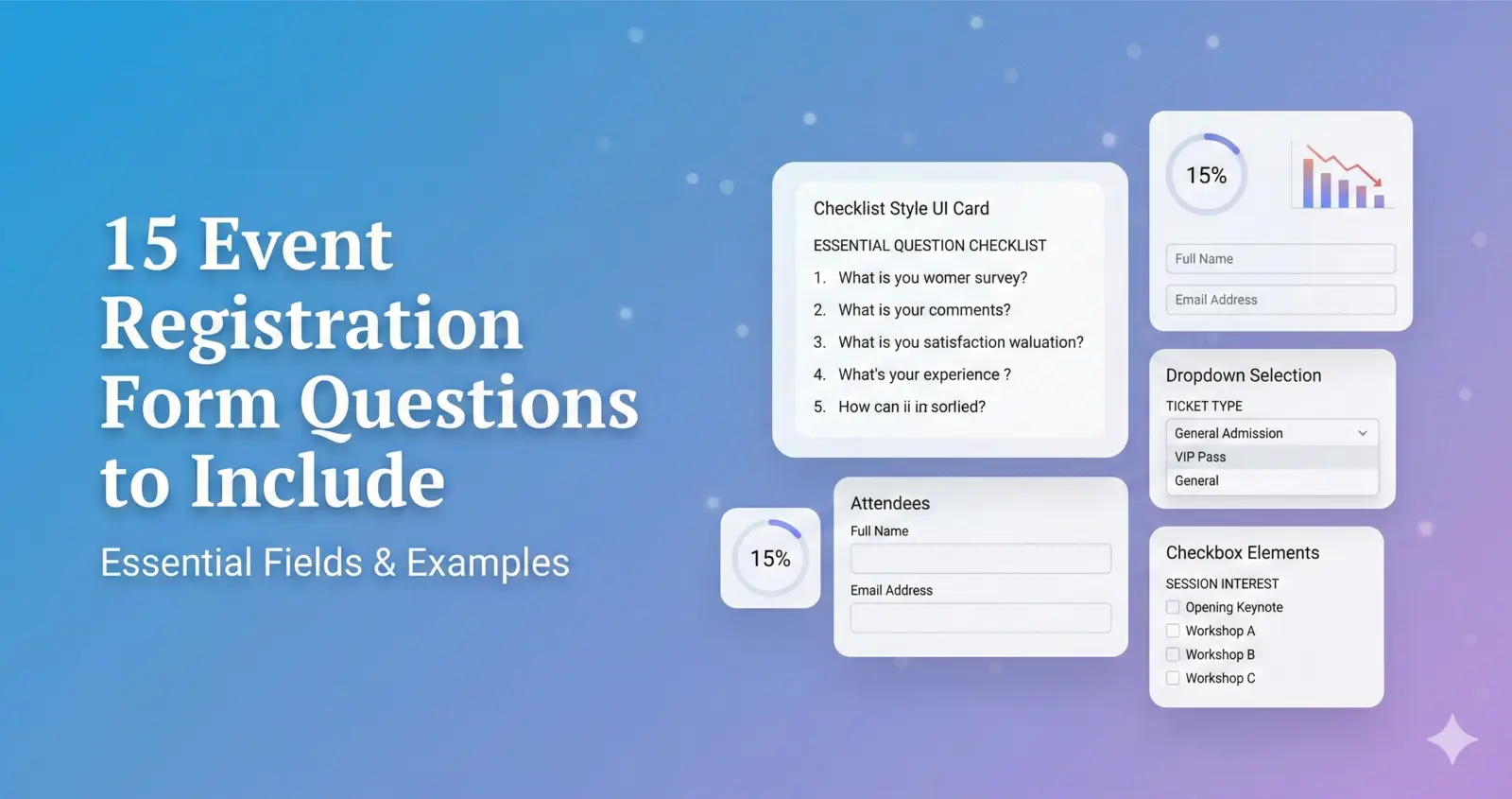
For a detailed breakdown: 👉 15 Event Registration Form Questions to Include
How to Increase Event Registrations
Creating a registration form is only the first step. Optimizing it is what drives results.
1. Keep the Form Short
Long forms create friction. Limit required fields whenever possible.
2. Make It Mobile-Friendly
Many attendees register using smartphones. Ensure your form is responsive and fast-loading.
3. Use Clear Calls to Action
Examples:
- Register Now
- Reserve Your Spot
- Secure My Seat
Clear CTAs increase conversions.
4. Offer Early Bird Pricing
Limited-time discounts create urgency and encourage faster signups.
5. Promote Across Multiple Channels
Drive traffic to your event registration page using:
- Email marketing
- Social media
- Paid advertising
- Partnerships
For deeper strategies: 👉 How to Increase Event Registrations
Should You Use an Event Registration Template?
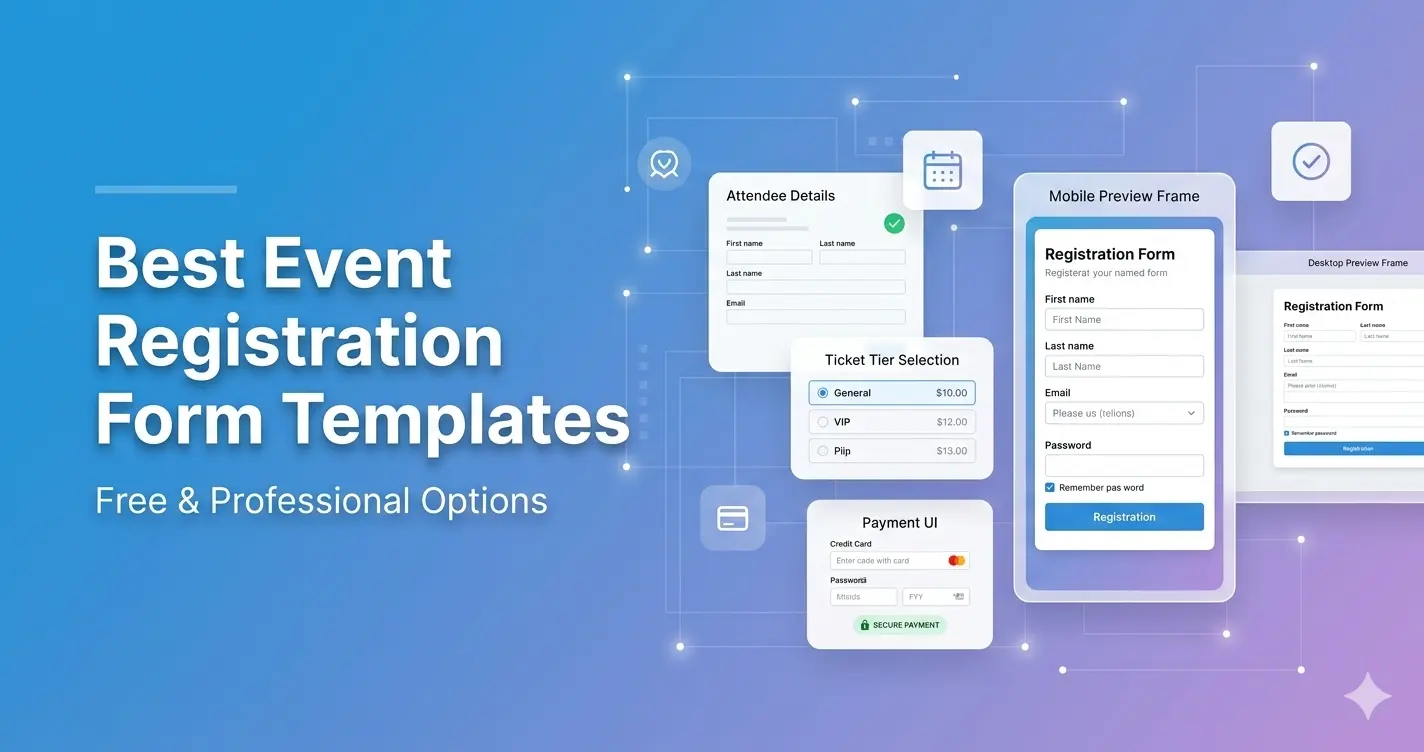
Using an event registration form template saves time and ensures professional structure.
Templates typically include:
- Clean layout
- Logical field order
- Mobile optimization
- Secure payment integration
- Built-in analytics
- Easy export options
Explore ready-to-use templates: https://pollarity.io/templates/event-registration-forms
For simpler confirmation-based events: https://pollarity.io/templates/rsvp-event-forms
Managing Attendee Data After Registration
Once registrations begin, you should:
- Export attendee lists
- Monitor ticket sales
- Track registration sources
- Send reminder emails
- Segment attendees
- Analyze performance metrics
Proper attendee data management improves both event execution and future marketing campaigns.
Event Registration Best Practices Checklist
Before publishing your event registration form, ensure:
- Fewer than 10 required fields
- Clear ticket pricing display
- Mobile-optimized layout
- Automated confirmation emails
- Reminder notifications scheduled
- Capacity tracking enabled
- Secure payment processing active
Following this checklist improves conversion rates and attendee experience.
FAQ
What is the difference between RSVP and event registration?
RSVP confirms attendance, while event registration forms collect structured attendee information and often include ticket selection and payment processing.
How many fields should an event registration form have?
Aim for fewer than 10 required fields to reduce friction and increase completion rates.
Can I use event registration forms for paid events?
Yes. Event registration forms are ideal for paid events because they support ticket pricing, payment processing, and attendee tracking.
Are event registration forms mobile-friendly?
Modern event registration forms should be fully responsive and optimized for mobile devices to increase signups.
Final Thoughts
A well-designed event registration form increases attendance, improves organization, and reduces manual work.
Keep your form clear, concise, mobile-friendly, and focused on collecting essential attendee information.
If you're ready to simplify event management and increase registrations, start with a structured event registration template today.